AI Plastic Surgery Simulator: What It Can and Cannot Predict
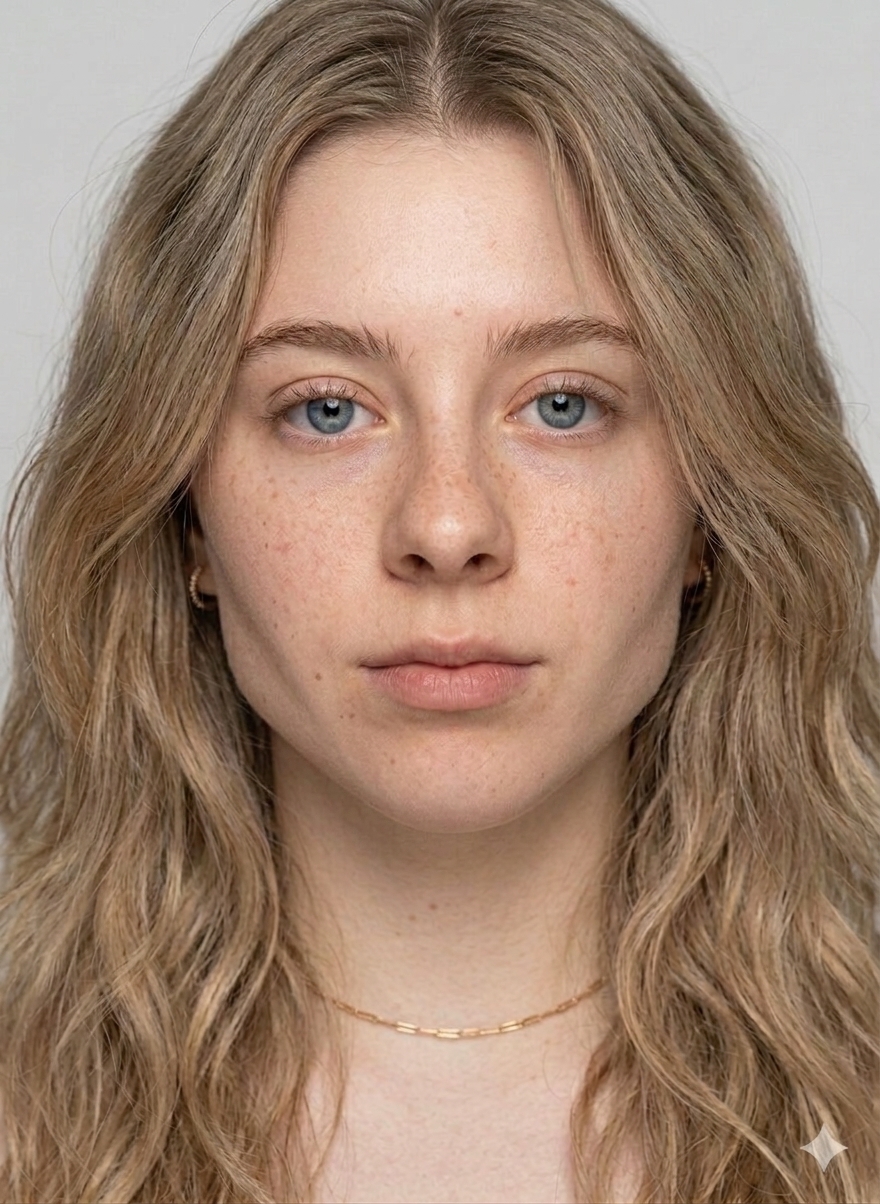
If you've ever wondered what you'd look like with a thinner nose, a sharper jawline, or slightly fuller lips, you're in good company — and today you have options your parents didn't. AI plastic surgery simulators let you upload a single selfie and see a believable preview of how common cosmetic procedures might affect your face, all in a few seconds and without setting foot in a clinic.
But simulators are only useful if you understand what they actually do — and what they don't. Treat the output as a mood board, not a medical prediction. Here's a practical guide to reading the results well, avoiding the obvious pitfalls, and using a simulator as the start of a conversation with a real surgeon if that's where you're headed.
What an AI plastic surgery simulator actually does
At a high level, a modern simulator has three jobs:
- Detect your facial landmarks. The model identifies the key points of your face — the tip of your nose, your cupid's bow, the corners of your eyes, the line of your jaw. Good models do this with sub-pixel precision even in non-ideal lighting.
- Apply a learned transformation. The model has seen enough before-and-after cosmetic photography to know what a typical rhinoplasty, lip filler, or jaw contouring tends to look like. It maps those changes onto your landmarks while preserving your identity.
- Re-synthesize a photorealistic image. The final step blends the transformation back into your original lighting, skin texture, and background so the result looks like a photograph rather than a drawing.
The key word is learned. The simulator isn't simulating surgery — there's no virtual bone saw, no rendered soft-tissue physics. It's drawing what a cosmetic photo of someone who looks like you might look like after a common procedure.
What a simulator is genuinely good at
Used honestly, AI simulators shine in three scenarios:
- Direction-setting. If you can't decide between a subtle rhinoplasty and a more dramatic one, seeing both on your own face is worth more than scrolling #rhinoplasty on TikTok for an hour.
- Talking to a surgeon. "I want my chin to look more like this" is a far better opening than gesturing vaguely. Surgeons routinely tell patients to bring reference images; a preview of your own face is a better reference than a celebrity's.
- Ruling things out. Sometimes the most useful outcome of a simulation is deciding you don't want the procedure. Seeing a sharper jawline on your own face and realizing you preferred the old one is a cheap, painless way to learn something important.
What a simulator cannot do
Here's where the honest, boring disclaimer earns its keep. Simulators do not model:
- Your specific anatomy. Two people with superficially similar noses can respond very differently to the same procedure because their cartilage, septum, and skin thickness are different. A photo can't see that.
- A particular surgeon's technique. Results vary enormously between surgeons. A preview is an average; the person holding the scalpel determines your actual result.
- Recovery or aging. Swelling, bruising, and long-term tissue changes are outside the model's scope. What you see is a polished "finished" state, not the real journey.
- Medical risk. A simulator cannot tell you whether you're a good candidate. Only a board-certified surgeon who examines you in person can.
Reading a simulated result well
Before you decide whether you love or hate a result, try these sanity checks:
- Does it still look like you? A good simulation preserves the features that make you recognizable. If the result looks like a stranger, the model over-applied the change. Try a subtler setting.
- Does the lighting hold up? Shadows should fall the same way in the after as in the before. If a cheek suddenly looks flat where your original selfie showed depth, the blend is off.
- Compare to reference photos. Pull up real before/afters of the same procedure from a respected surgeon's portfolio. If your simulation looks more dramatic than any real result, the model is flattering you.
How Gloé approaches this
Gloé is an entertainment and educational tool. It is not a medical device, and the results it produces are not medical predictions. The four transformation types — surgical, non-surgical, makeup, and skincare — are intentionally stylized previews, paired with a personalized routine so you always leave with something actionable even if the glow-up stays virtual. Photos you upload are processed to generate your result and then deleted; they are not used for training. See our Privacy Policy for details.
When to bring a simulation to a consultation
If a simulation nudges you toward actually considering a procedure, here's how to use it well in a surgeon's office:
- Bring both images — before and after. The pair communicates more than either alone.
- Point at what you like, not what you dislike. "I like how this jawline reads more defined from the side" is useful; "fix my jaw" is not.
- Ask the surgeon to push back. A good surgeon will tell you which parts of the preview are realistic for your anatomy and which are fantasy. Listen hard to that answer.
Bottom line
AI plastic surgery simulators are not a replacement for a consultation, but they are a meaningfully better starting point than a Pinterest board. Used with a little skepticism, they save time, focus conversations, and sometimes save you from a procedure you didn't actually want. If you want to try Gloé yourself, you can read more about how our surgical simulator works or get the app below.
Frequently Asked Questions
Is an AI plastic surgery simulator accurate?
AI simulators visualize plausible aesthetic outcomes based on your photo, but they are not medical predictions. They don't account for your underlying anatomy, skin elasticity, or a specific surgeon's technique. Use them for exploration, not planning.
Can I use the result from an AI simulator to show my surgeon?
Yes — many people bring simulator images to a consult as a reference for aesthetic goals. A board-certified surgeon will then tell you what's actually achievable for your anatomy.
Does Gloé use my face to train AI?
No. Photos you upload to Gloé are processed to generate your result and then deleted — they are not used for model training. See our Privacy Policy for details.
How is an AI simulator different from a surgeon's imaging software?
Clinical imaging software (Vectra, Crisalix, Touchmd) uses 3D scans + surgeon input. AI simulators work from a single 2D selfie and output a stylized preview. The clinical tools are planning aids; AI simulators are entertainment and inspiration.
Is Gloé a medical app?
No. Gloé is for entertainment and educational purposes only. It does not provide medical advice, diagnosis, or treatment recommendations.
Related Articles
Virtual Cosmetic Surgery Preview: See Before You Commit
Before you book a consult, virtual previews let you visualize rhinoplasty, jaw contouring, and lip changes on your own selfie.
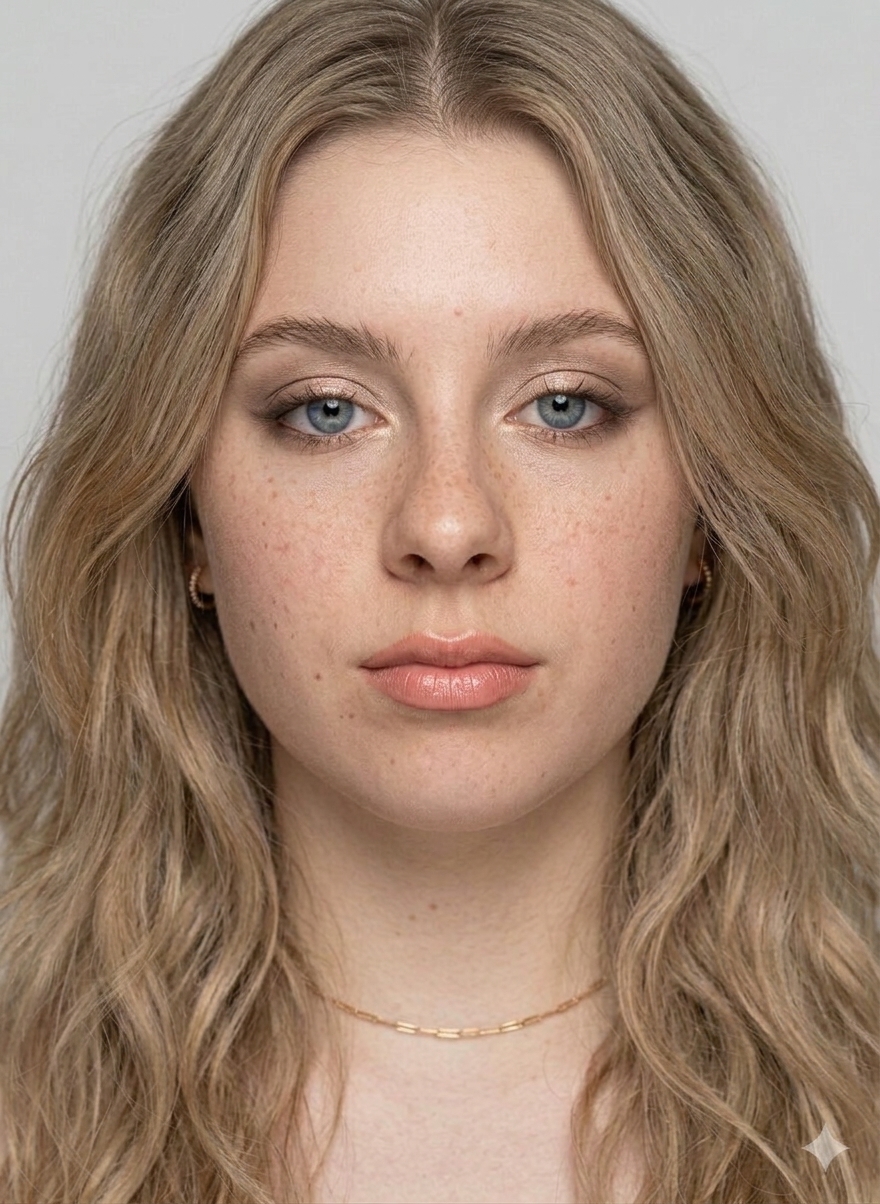
How AI Maps Makeup to Your Face Shape
Under the hood of AI makeup try-on: face landmark detection, blend modes, and why it looks natural on some selfies and not others.
Rhinoplasty Simulator Apps Compared
A look at the rhinoplasty visualization apps available today and what makes a simulation feel realistic vs. cartoonish.